Running your own server is fun right up until you start thinking about everything that could disappear if something goes wrong.
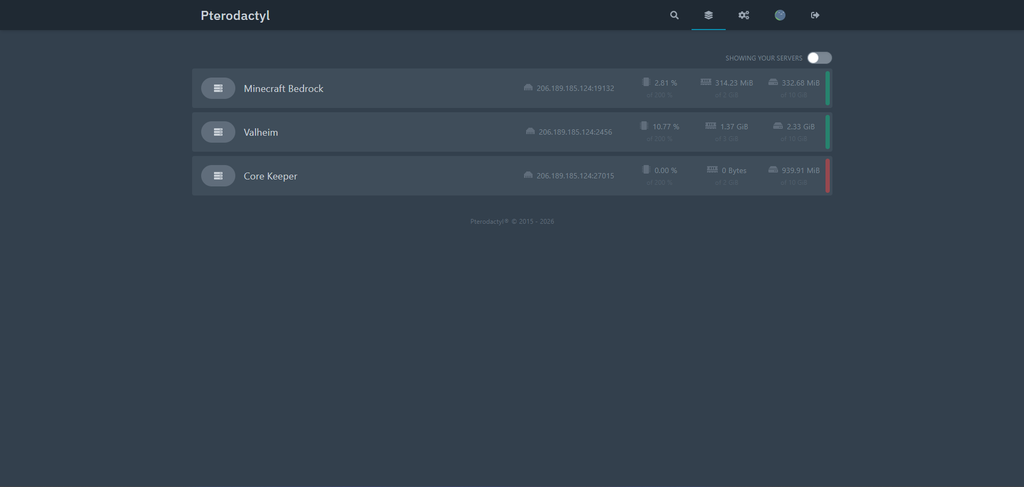
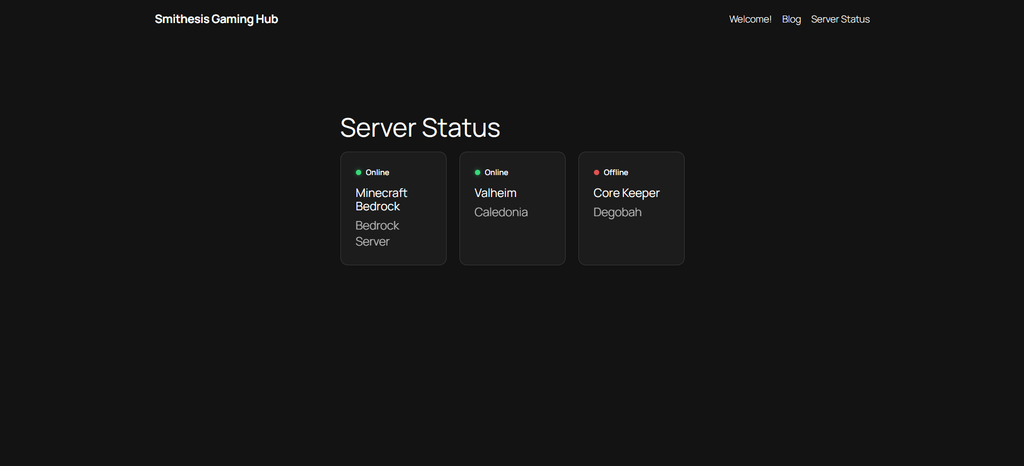
My DigitalOcean VPS now hosts several services that I’ve put a fair amount of time into: Minecraft, Valheim, Core Keeper, Foundry VTT, the Smithesis Gaming Hub WordPress site, and the Pterodactyl game-server management system itself.
DigitalOcean’s automated backups gave me some protection, but as the server became more important, I wanted something I had more control over—and something I could actually test.
So I built my own automated backup system using Restic and Backblaze B2.
What I Wanted From the Backup System
My goals were fairly simple.
I wanted backups to happen automatically every night, without requiring me to remember to do anything. I wanted those backups stored somewhere other than the VPS itself. I wanted multiple recovery points without storing a complete duplicate of the server every night.
Most importantly, I wanted to know that I could actually restore something.
A backup that has never been tested is really just a theory.
Why Restic and Backblaze B2?
I settled on Restic as the backup software and Backblaze B2 as the off-site storage.
Restic handles encryption, compression, deduplication, snapshots, and retention. B2 provides inexpensive object storage somewhere completely separate from my DigitalOcean server.
That separation is important. If the VPS disappears entirely, the backups don’t disappear with it.
Restic’s deduplication was another major attraction. My first backup processed roughly 5.25 GiB of data, but only about 2.23 GiB needed to be stored after compression and deduplication.
The following night’s backup created another complete snapshot—but the repository grew by only about 25 MiB.
Instead of uploading another copy of everything, Restic reused the data it already had and uploaded only the new or changed pieces.
Deciding What Actually Needed Backing Up
I didn’t simply point Restic at / and call it a day.
A lot of what’s on the VPS can be recreated. Docker images can be downloaded again. Game-server binaries can be reinstalled. Ubuntu itself can be rebuilt.
The important pieces are the things that are mine.
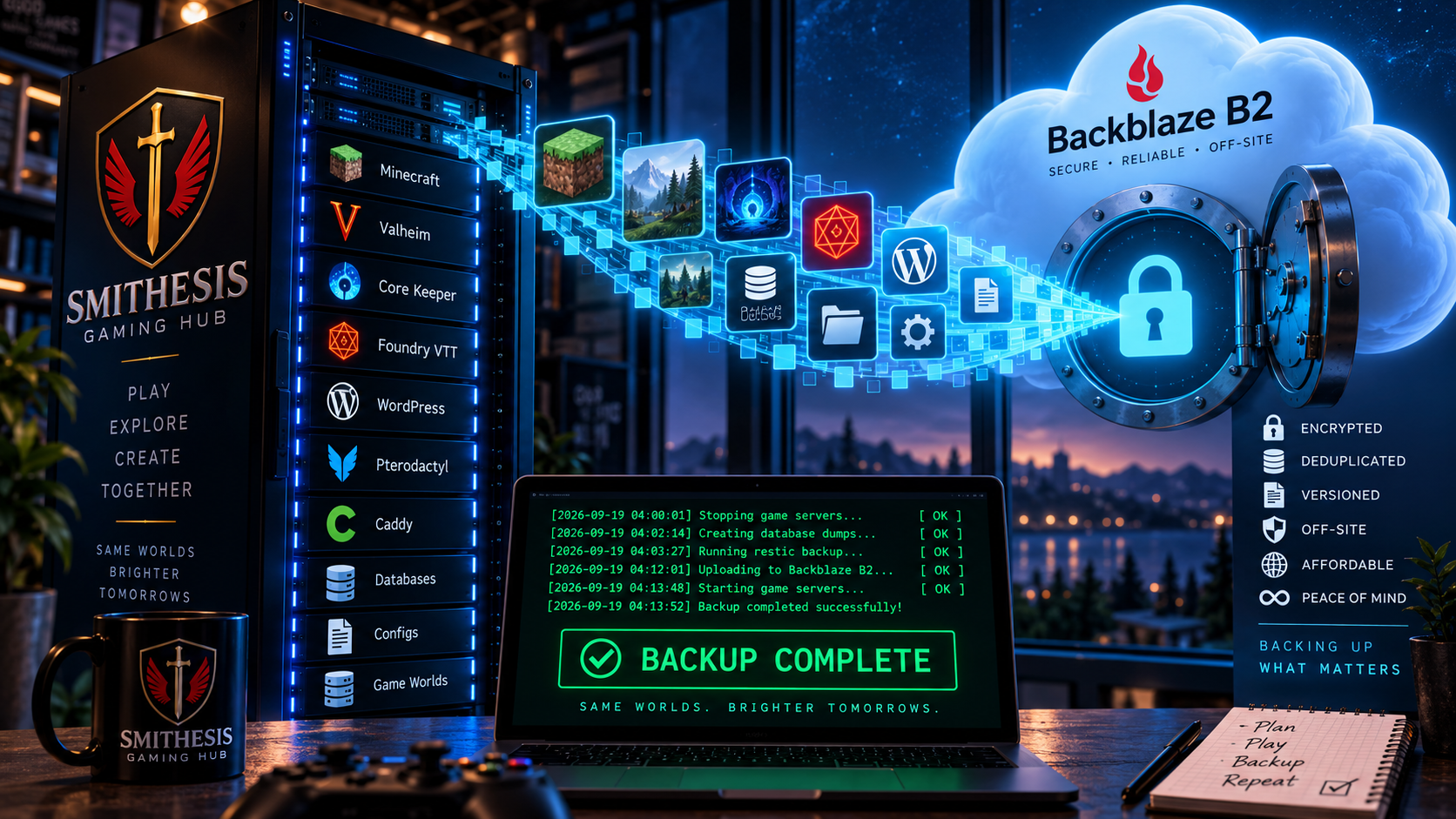
That includes my Minecraft worlds and configuration, the Valheim world, Core Keeper saves, Foundry VTT data, WordPress site and database, Pterodactyl database and configuration, Caddy configuration, and important systemd service definitions.
That makes the backups smaller while concentrating on the data that would actually hurt to lose.
Backing Up Live Game Servers
Game servers presented an interesting problem.
Copying a save file while the game is actively writing to it isn’t ideal. I wanted the backups to capture a clean, consistent state.
So the backup script does more than just run Restic.
Before the backup begins, it checks the state of the game servers through Pterodactyl. It then gracefully stops Minecraft, Valheim, and Core Keeper. Foundry VTT is stopped as well.
Database dumps are created for services such as WordPress and Pterodactyl, and the relevant files are staged for backup.
Restic then creates the snapshot and sends the new data to Backblaze B2.
When that’s finished, the script brings everything back online and verifies that the services are running again.
The whole process happens automatically in the middle of the night.
Letting systemd Handle the Schedule
Rather than adding another application just to schedule the backups, I used systemd timers.
Every night at 4:00 AM, systemd launches the backup service.
I also configured a separate maintenance job for Sunday at 6:00 AM. That job performs Restic repository maintenance and runs an integrity check against the backups.
The retention policy currently keeps:
- 7 daily snapshots
- 4 weekly snapshots
- 6 monthly snapshots
That gives me useful historical recovery points without allowing storage usage to grow indefinitely.
Then I Tried to Break It
Configuring backups wasn’t enough.
I wanted proof that I could get the data back.
After the first backup completed, I deliberately restored my Caddy configuration from Backblaze B2 to a temporary location. I then compared the restored file against the live copy.
They were identical.
That small test was probably the most important part of the entire project.
It proved the chain actually worked:
VPS → Restic → Backblaze B2 → Restic restore → usable file
The First Unattended Backup
The next test was doing absolutely nothing.
I left the server alone overnight and checked it the following morning.
At 4:00 AM, systemd triggered the backup automatically. The backup completed successfully, and Foundry VTT, Core Keeper, Valheim, and Minecraft were all restored to their running state.
A new Restic snapshot appeared in B2.
Then at 6:00 AM, the weekly maintenance task ran automatically. Restic pruned the repository and checked both existing snapshots.
The result:
No errors were found.
At that point, I was comfortable calling the new backup system operational.
An Unexpected Bonus: It Costs Less
There was also a financial benefit.
DigitalOcean’s automatic backup service was contributing substantially to my monthly infrastructure costs. After validating the new system, I created one final DigitalOcean snapshot and disabled the recurring backup service.
I’ll continue keeping at least one DigitalOcean snapshot because it’s useful as a complete machine-level recovery point. I’ll also create additional snapshots manually before major server changes.
But my everyday backups are now handled by Restic and B2.
That change dropped my backup-related costs from roughly $17 per month to less than $5 per month.
More importantly, I now have considerably more control over what gets backed up, how long it’s retained, and whether it can actually be restored.
Backups vs. Snapshots
I’ve ended up with two complementary layers of protection.
Restic + Backblaze B2 handles the routine stuff. It’s automated, off-site, encrypted, deduplicated, versioned, and regularly checked.
DigitalOcean snapshots are occasional whole-server checkpoints. I’ll create one before particularly significant infrastructure changes or upgrades.
If I accidentally delete a Minecraft world, I don’t need to restore an entire VPS.
If I completely destroy the server while experimenting with something, the DigitalOcean snapshot gives me another option.
What I Learned
The biggest lesson wasn’t really about Restic or Backblaze.
It was that creating a backup isn’t the same thing as having a backup strategy.
A useful backup system needs to answer several questions:
What am I protecting?
Where is it stored?
How often is it backed up?
How many versions do I keep?
What happens if a backup fails?
And, most importantly:
Can I actually restore it?
For the Smithesis Gaming Server, I can finally answer that last question with a tested yes.